Open your Google Business Profile, tap Performance, and you get a wall of numbers. Some months they climb and it feels great. Some months they drop and it feels like something broke. Most owners we talk to are not sure which of those numbers matter, or what they are actually counting.
That is a fair question, because several of these numbers do not mean what they sound like. A "call" is not always a call. A "direction request" is not a visit. Here is what each metric really measures, where the report tends to mislead, and a five minute monthly check that tells you whether your profile is doing its job.
Where to Find the Report
Search for your business name on Google while signed in to the account that manages your profile, then choose Performance from the menu on your profile. You can also open it from Google Maps or from Business Profile Manager if you manage several locations. Pick a date range at the top, then click Apply.
Two things to know up front. First, performance data only shows for verified profiles, so if you see nothing, check your verification status. Second, according to Google's help page on Business Profile performance, the numbers include activity from both organic results and Google Ads. If you run ads that show your profile, some of what you see came from paid traffic.
What Each Number Actually Counts
Google only shows the metrics that apply to your business, so a plumber and a restaurant will not see the same list. These are the ones most local businesses see.
Views (people who viewed your profile)
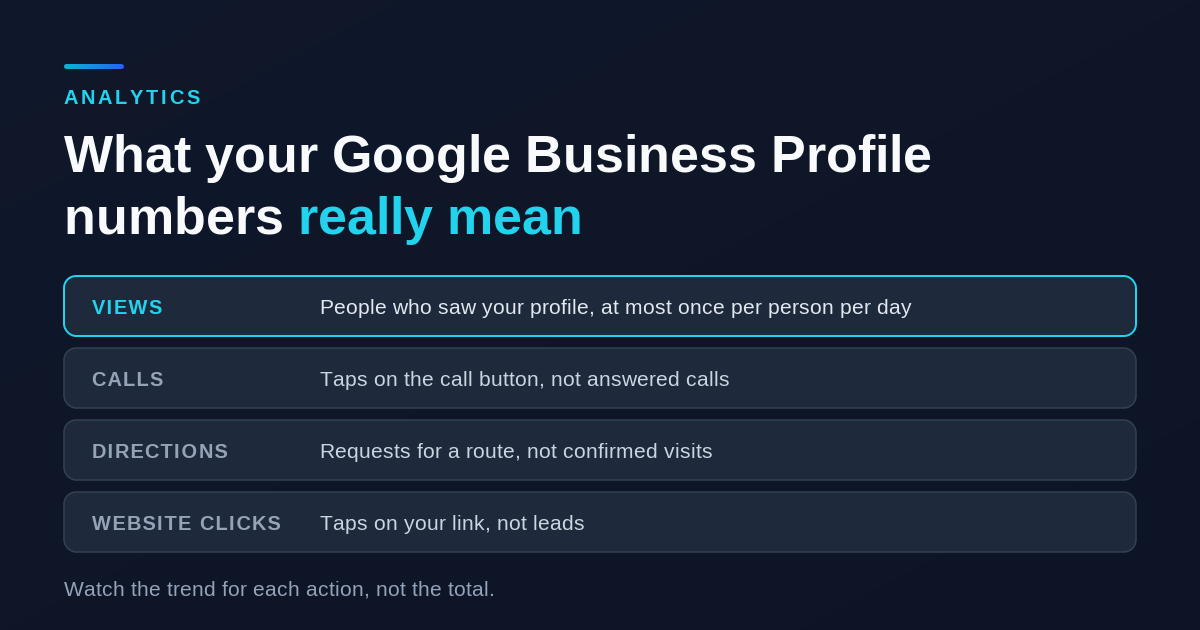
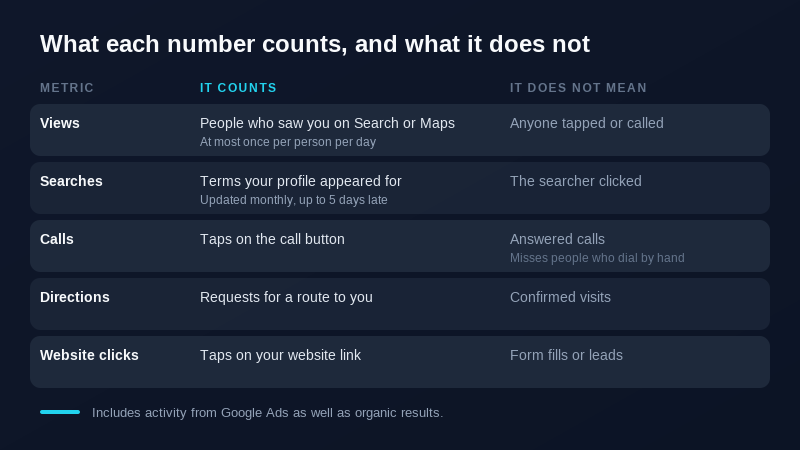
This is the number of people who saw your Business Profile on Google Search or Maps. Google counts unique people, and one person can only be counted once a day, so a customer who checks your hours three times in one afternoon counts once. Think of views like impressions: someone saw your listing. It does not mean they tapped anything.
You will also see views split by platform and device: Google Search on mobile and desktop, and Google Maps on mobile and desktop. For most local service businesses, mobile Search and Maps make up the bulk, which is a good reminder to keep your phone number, hours, and photos sharp.
Searches
This is the list of search terms people used when your profile showed up. It is one of the most useful parts of the report, because it shows how people describe what they need in their own words. Google updates this section at the start of each month, and it can take up to five days to appear, so do not panic if the current month looks empty.
One caveat: a search term on this list means your profile appeared for it, not that the person clicked, called, or became a customer.
Calls
Google defines this as the number of times someone clicked the call button on your profile. That is a tap, not a conversation. Someone might tap and hang up, tap by accident, or tap and get your voicemail. Local search experts at Sterling Sky recommend calling these "call clicks" for exactly this reason. It also works the other way: people who read your number and dial it by hand never show up here.
Directions
The number of people who asked Google for directions to your business. Google filters out repeat taps, canceled requests, and spam, but a direction request is still not a confirmed visit. If you are a service area business that hides its address, you will see few or none, and that is normal.
Website clicks
The number of times people clicked the website link on your profile. Useful, but a click is not a lead. What happens after the click depends on your website.
Messages, bookings, and the rest
Depending on your business, you may also see messages (the number of conversations started), bookings completed through a connected booking provider, menu clicks for restaurants, and product or offer views. Treat each one the same way: it counts an action on Google, not money in the bank.
Where the Report Misleads
The "Interactions" total hides what changed
The big number at the top adds every action together. If website clicks went up by 40 and calls went down by 30, the total still looks better, even though you may have lost your most valuable leads. Always look at each action on its own.
Ad traffic is mixed in
Because the report includes Google Ads activity, a jump right after you start or pause a campaign may have nothing to do with your organic visibility. Note the dates you change ad spend so you can explain swings later. If you are weighing ads that send people to your profile, our guide to Local Services Ads vs. Google Ads explains how each one works.
Partial months look like drops
Comparing the first 20 days of this month to all of last month will always look bad. Compare complete months, and when you can, compare to the same month last year. Seasonal businesses like pool service, HVAC, and landscaping in the Phoenix area swing a lot between summer and winter, and that is not a sign anything is wrong.
A sudden spike is not always good news (or bad)
A big jump in views usually means you started showing for new searches or moved up in the map results. That is worth investigating in the Searches list, but views alone do not tell you whether those new searchers were the right customers.
A Five Minute Monthly Check
You do not need to stare at this report every week. Once a month, after the month is complete, write down a handful of numbers in a simple spreadsheet and look for the trend.
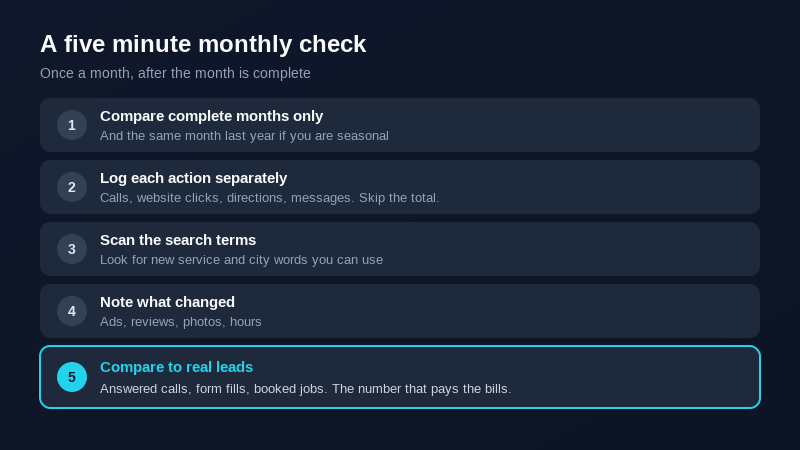
- Pick a complete month. Compare it to the month before and, if you are seasonal, to the same month last year.
- Log each action separately. Calls, website clicks, directions, and messages each get their own column. Skip the Interactions total.
- Read the search terms. Look for services or city names you did not expect. If people find you for "drain cleaning Gilbert" and you have no page about it, that is a content idea. Our guide to building city pages covers when a new page makes sense.
- Note what you changed. New photos, a burst of reviews, updated hours, or a new ad campaign. A short note next to each month makes the trend much easier to explain later.
- Compare to real leads. How many calls did you actually answer? How many form fills came in? How many jobs did you book? This is the step most businesses skip, and it is the only one that tells you whether the profile is paying off.
Download a copy of the report every so often too. Sterling Sky notes the built in report only goes back about six months, so if you want to compare this year to last year, keep your own record.
Connect the Profile to Your Real Numbers
The report tells you what happened on Google. To see what happened after, you need two small setups.
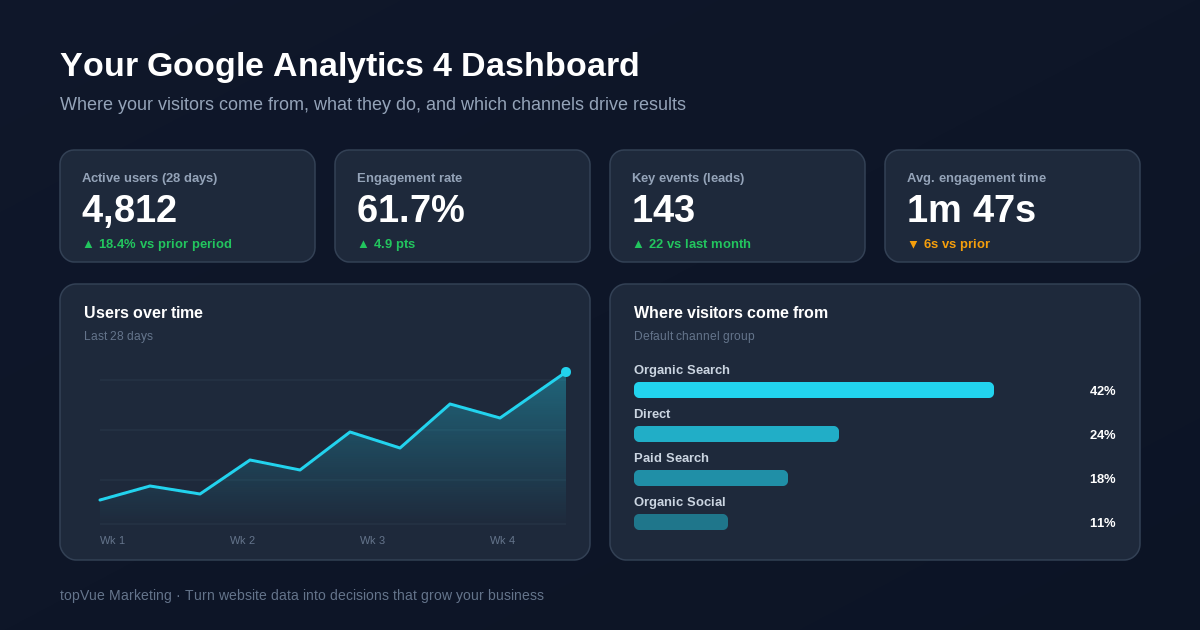
- Tag your website link. Add tracking tags to the website link on your profile so visits from it show up as their own line in Google Analytics, instead of blending into general Google traffic. Our guide to figuring out which marketing channel brings customers walks through it, and our Google Analytics 4 guide shows where to find the results.
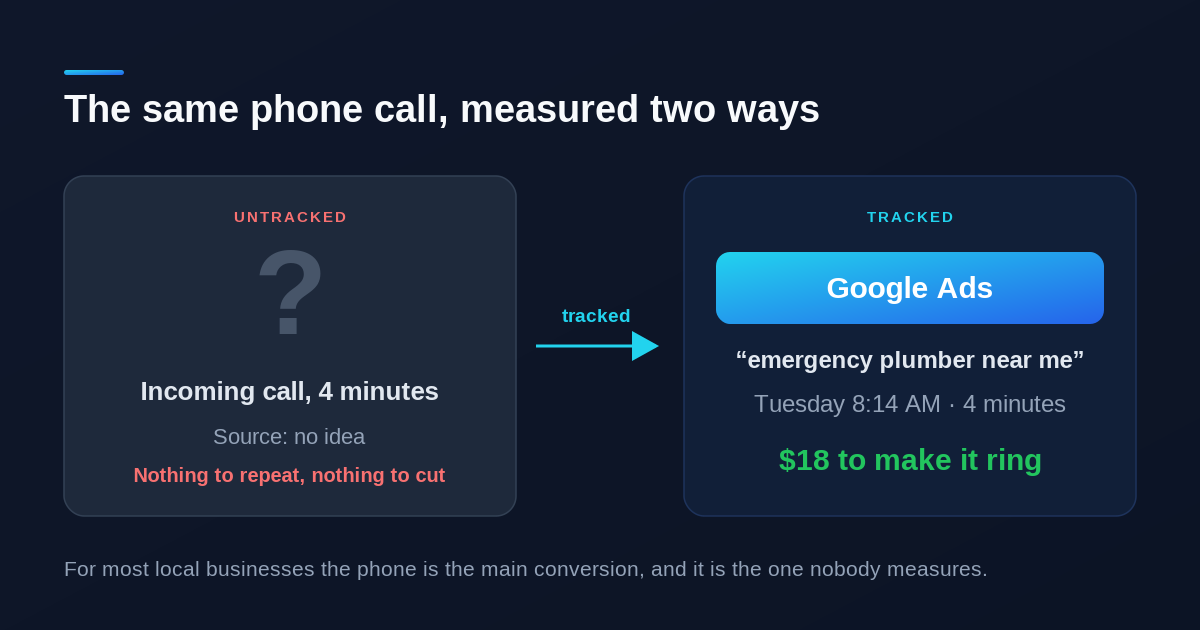
- Track phone calls. Since call clicks undercount and overcount at the same time, real call tracking gives you the true number. See our guide on tracking phone calls for the simple options.
What to Do If the Numbers Are Flat
If views and actions have not moved in months, the report is telling you the profile needs attention, not that Google Business Profile does not work. The usual fixes are not complicated: choose the most accurate primary category, fill in every service, add fresh photos, post updates, and keep asking happy customers for reviews. Our Google Business Profile optimization tips and our guide to getting more Google reviews cover each one.
Want a Second Set of Eyes?
If you are not sure whether your profile is pulling its weight, we are happy to look at it with you. Our local SEO team manages Google Business Profiles for businesses across the Valley, from Phoenix to Gilbert, and ties the numbers back to real calls and booked jobs. Get in touch and we will tell you what we see.
Frequently Asked Questions
Where do I find my Google Business Profile performance report?
Search for your business name on Google while signed in to the account that manages your profile, then select Performance on your profile. You can also open it from Google Maps or from Business Profile Manager. Performance data only appears for verified profiles.
Does a call in my Google Business Profile report mean someone actually called?
Not necessarily. Google counts the number of times someone tapped the call button on your profile. Some of those taps never turn into a completed call, and people who dial your number by hand are not counted at all. Use call tracking if you want the true number of calls.
Why did my Google Business Profile views drop?
Common reasons include comparing a partial month to a full one, normal seasonal swings, pausing Google Ads that showed your profile, or losing ground to competitors in the map results. Compare complete months, check the same month last year, and look at the search terms list to see which searches changed.
Do Google Business Profile insights include paid ads?
Yes. Google says the performance report includes views, searches, and actions from both organic results and Google Ads. If you run ads that feature your profile, part of your numbers came from paid traffic, so note when you start or pause campaigns.