Picture a landscaping company in Gilbert. The website looks great, the reviews are strong, and the contact form gets steady use. The problem is what happens next. The owner calls back, walks the yard, writes up a detailed quote for a backyard redesign, and hears, "Oh, we were thinking more like a few thousand dollars." That happens again the next week. And the week after.
Nothing on the site was broken. It just never gave visitors a single clue about cost, so everyone filled out the form and let the owner sort it out on his own time.
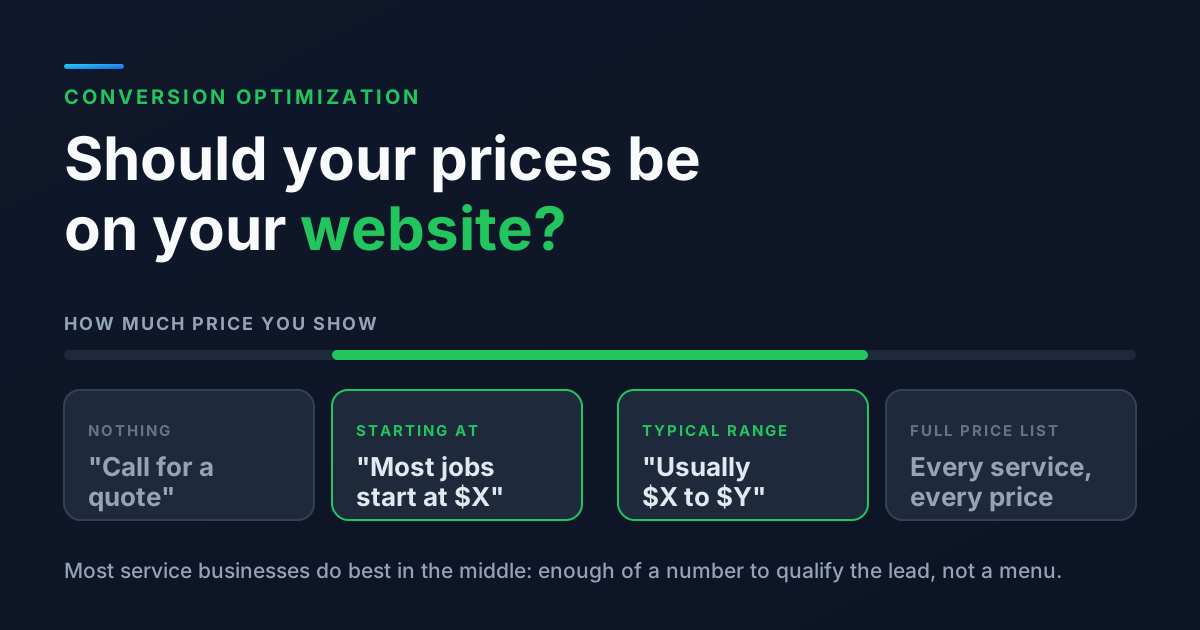
Whether to put prices on your website is one of the most common questions we get from service business owners. The honest answer for most of them is: yes, at least some. Not a full menu, but enough of a number that the right people feel confident reaching out and the wrong people quietly move on.
Why So Many Businesses Hide Their Prices
The reasons owners give are reasonable, and it helps to name them before deciding.
- "Every job is different." True for a lot of trades. A roof repair and a full replacement are not the same price.
- "Competitors will undercut us." They might try, but most competitors can already get your prices by calling for a quote.
- "It will scare people off." It will scare some people off. The question is which ones.
- "I want to explain the value first." A fair point, and one you can still do on the page, right next to the number.
What Happens When There Is No Price at All
Cost is one of the first things people want to know when they are comparing local businesses. When your site does not answer it, visitors do one of three things.
1. They leave to find a site that does answer it
Someone researching a water heater replacement will open four or five tabs. If one of those businesses explains what a typical install costs and yours says "call for pricing," you have just made yourself the harder option. Plenty of people never pick up the phone to ask.
2. They guess, and guess wrong
Without a number, visitors fill in the blank. Some assume you are far more expensive than you are and never reach out. Others assume you are cheaper and reach out expecting a price you could never offer.
3. They contact you anyway, and you do the filtering
This is the Gilbert landscaper's problem. Your form fills look healthy, but a large share are people who were never a fit. Every one of those costs you a callback, sometimes a site visit, and the time it takes to write a quote nobody accepts.
Showing price is not about getting more leads at any cost. It is about getting more of the right ones, which is the whole point of conversion optimization.
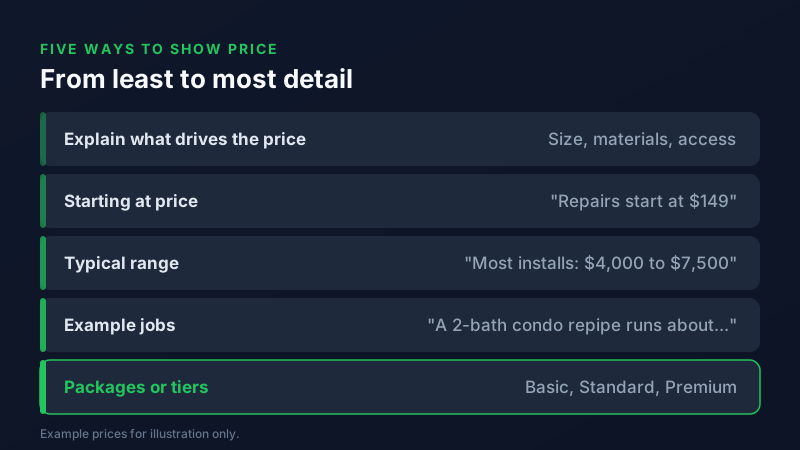
Five Ways to Show Price Without Publishing a Menu
You do not have to choose between "call for a quote" and a full price list. Most service businesses land somewhere in between.
1. Explain what drives the price
Even if you show no number, tell people what makes a job cost more or less: square footage, materials, how hard the site is to reach, permits, timeline. This alone makes a quote feel less like a mystery.
2. A starting at price
"Drain cleaning starts at $X" or "Projects typically start at $X." This works well when you have a real minimum. Make sure it is a price customers actually pay, not a teaser that no job ever comes in at.
3. A typical range
"Most of our installs land between $X and $Y." For most local services, this is the sweet spot. It sets expectations without locking you in, and it is easy to keep honest by checking your last few months of invoices.
4. Example jobs
Describe a few common scenarios and what they usually cost: a small patio, a full backyard, a single room repaint, a whole house. People find their own situation in the examples and do the math themselves.
5. Packages or tiers
If your work can be bundled (monthly pool service, lawn care plans, maintenance memberships), clear packages make the decision easy. Three options is usually plenty.
How to Decide What Is Right for Your Business
The deciding question is how much your price really changes from one job to the next.
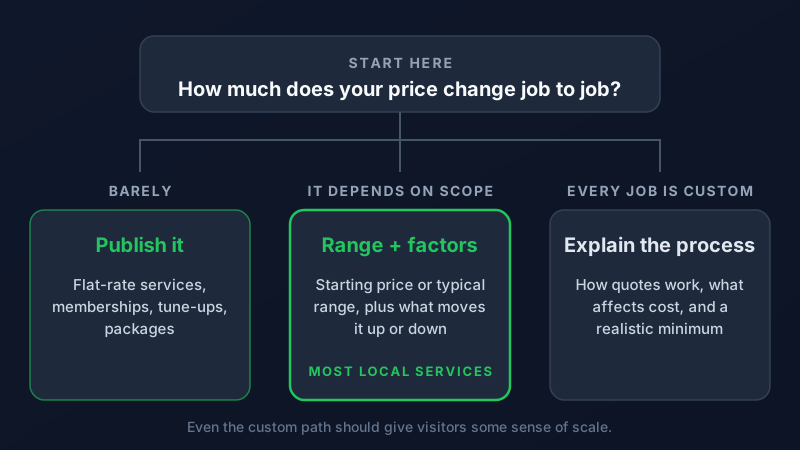
If your prices are basically fixed, publish them. If they depend on scope, show a starting price or a typical range and the factors that move it. If truly every job is custom, explain how your quoting process works and give a realistic minimum so a visitor with a much smaller budget knows before they call.
Where to Put Your Pricing
- On each service page. Pricing belongs next to the description of the service, not buried on a separate page. Our guide to writing a service page that ranks shows where it fits.
- In your FAQ. "How much does it cost?" is one of the most common questions people type into Google and AI tools. A clear, plain answer on your page gives them something to show. Our guide to showing up in AI Overviews explains why direct answers matter.
- On your Google Business Profile. The Services section of your profile lets you add a price to each service. Keep it consistent with your website.
- In your Google Ads. Price assets let you show starting prices right in the ad, which helps filter clicks before you pay for them. Make sure the landing page the ad sends people to shows the same number.
How to Tell If It Is Working
Change one thing at a time and watch two numbers for a month or two: how many leads come in, and how many of them turn into paying jobs. A common pattern is slightly fewer inquiries but more that close, and less time spent on quotes that go nowhere. You can only see that if you are tracking where leads come from, so set up call tracking and form tracking before you make the change. Our guide to telling which marketing brings in customers walks through a simple setup.
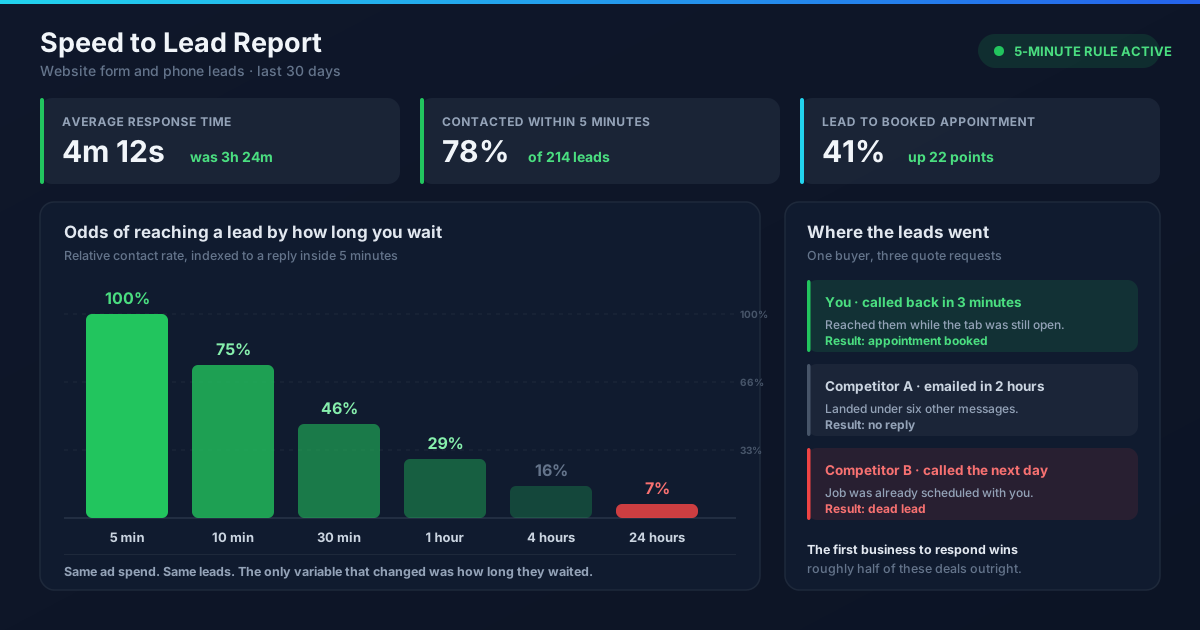
And once a qualified lead does come in, respond quickly. Pricing gets them to reach out. Speed gets them to say yes.
If you want a second set of eyes on how your service pages handle pricing, our team reviews sites like this for local businesses across the Valley, from Gilbert to Phoenix. Whether you want help with SEO or Google Ads, get in touch and we will take a look.
Frequently Asked Questions
Should a service business put prices on its website?
In most cases, yes, at least as a starting price or a typical range. Showing some pricing helps visitors decide if you are a fit before they contact you, which tends to bring in better leads and cut down on quotes that go nowhere. You do not need a full price list to get that benefit.
What if every job I do is different?
Show a typical range or a few example jobs, and explain what makes the price go up or down. If the work is truly custom, describe how your quoting process works and share a realistic minimum so visitors with a much smaller budget know before they call.
Will showing prices let competitors undercut me?
Competitors can usually get your pricing already by requesting a quote. Most customers are not choosing on price alone, so pair your numbers with what makes you worth it: reviews, warranties, response time, and the details of what is included.
Where should I put pricing on my website?
Put it on each service page, close to the description of the service, and answer cost questions in your FAQ. Keep the same numbers on your Google Business Profile services and in any Google Ads price assets so customers see one consistent message.